I wiped my laptop to build a SOC in my bedroom
Every SOC analyst job post wants hands-on SIEM experience. I didn't have a SIEM, so I wiped an old laptop and built one with Wazuh in Docker, including the vm.max_map_count setting that cost me half an hour.
I had always been curious about how it would actually be like to have hands-on experience with a SIEM. A SIEM is the system a security team stares at all day. It collects logs from every machine, reads them, and raises alerts when something looks like an attack. I understood what one was, however, I’d never actually run one. You wouldn’t be able to get hands-on with a tool you don’t have. So after finding an old laptop of mine, I decided it was time.
This is about getting it started up. The “boring” part, where I turned the laptop into a working security monitoring system and hit several mistakes that took time to fix but taught me lots in return.
The decision to wipe
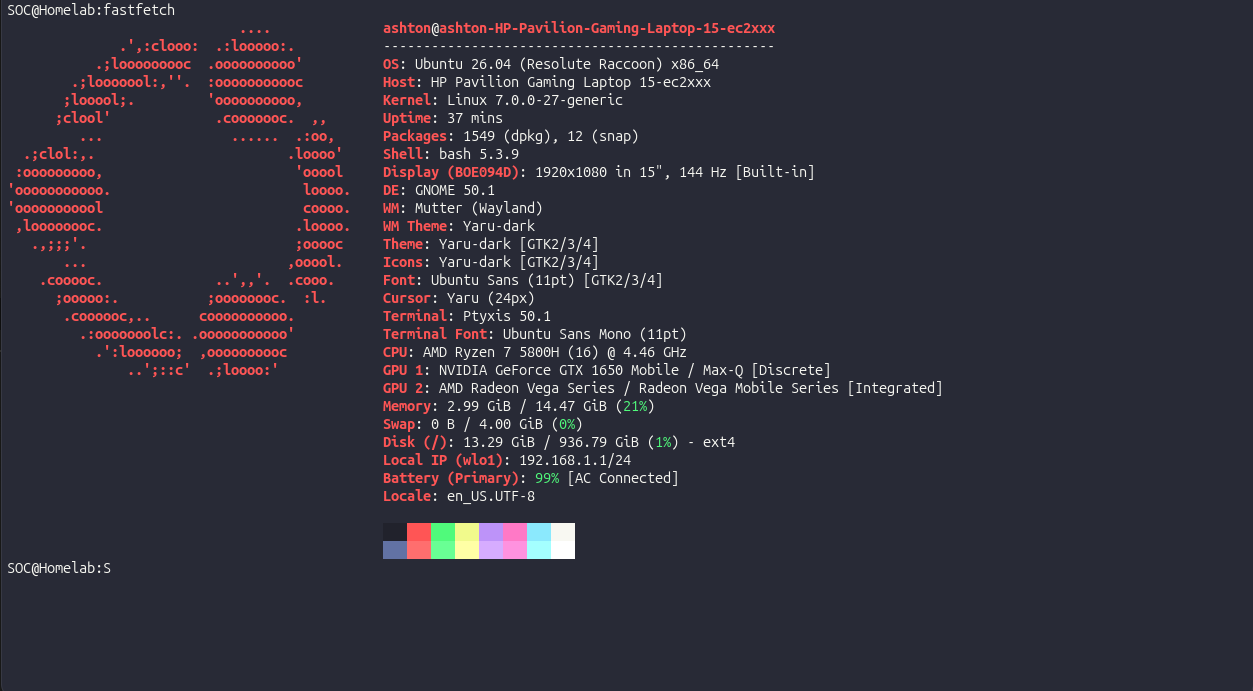
The laptop is a Ryzen 7 5800H with 16 GB of RAM. Plenty for this. The question was Windows or Linux. I heard of Windows being complete bloatware and I wasn’t ready to move to a fully CLI system yet. I decided to completely wipe Windows and put Ubuntu on it.
Wazuh in three containers
The SIEM I picked is Wazuh: open source, free, and it runs on hardware I actually have. It comes as three pieces:
- The indexer stores and searches all the data.
- The manager reads events and holds the detection rules.
- The dashboard is the web page I look at.
I ran them in Docker, which packages each piece into its own self-contained container so I’m not hand-installing three services and praying they get along. There’s a multi-node version for big deployments, but 16 GB won’t run a cluster, so I ran one of each, the single-node setup, and pointed it at the host itself as its first monitored machine.
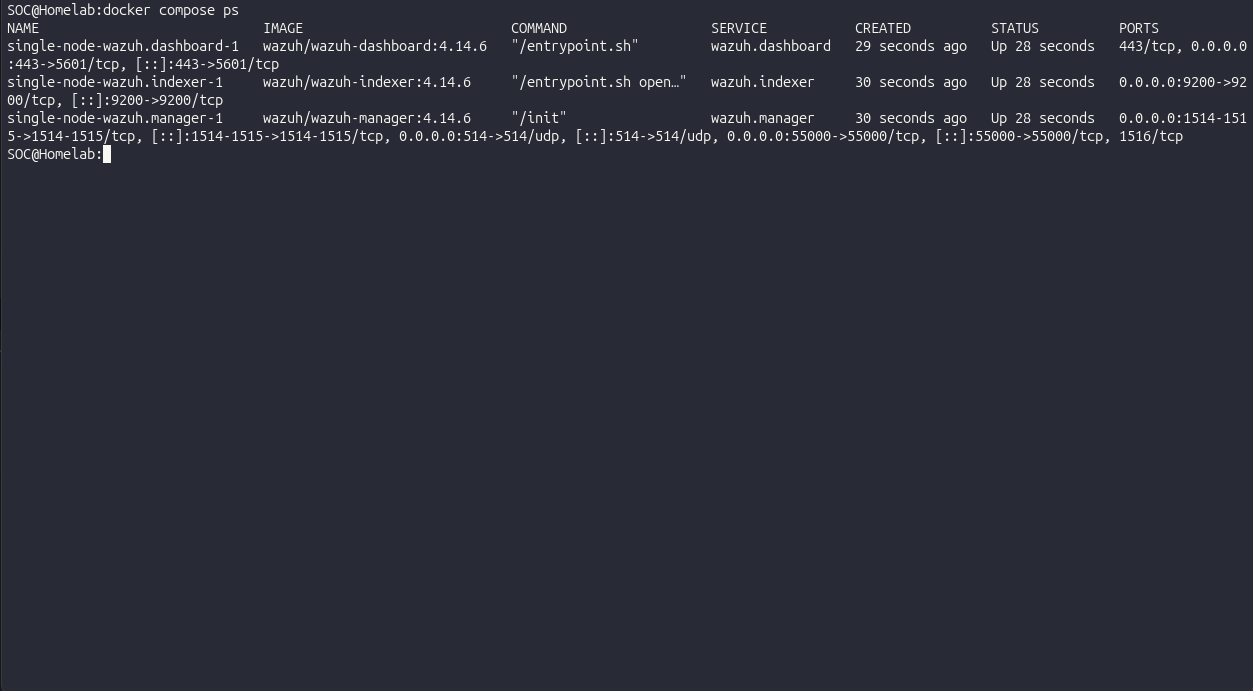
The whole stack idles around 7 GB, which leaves me room to attack it later.
The half hour I’m not getting back
The indexer wouldn’t stay up. It would start, die, restart, die again, in a loop. I sat there watching containers fail and assuming I’d pulled a broken image or misconfigured Docker.
I hadn’t. Buried in the logs was this:
max virtual memory areas vm.max_map_count [65530] is too low, increase to at least [262144]The indexer needs a lot of memory-mapped areas (I still only half understand what those are), and Linux ships with the limit set too low for it. One line fixed it:
sudo sysctl -w vm.max_map_count=262144The lesson wasn’t the command. It was where I’d been looking. I’d spent thirty minutes reading container logs hunting for a container problem, and the problem was a setting on the host underneath the containers. The SIEM was fine. However, what it needed from the host wasn’t. I’ve since learned that’s the single most common Wazuh-on-Docker misconfiguration, which made me feel slightly better about the half hour.
It comes alive
After that it just worked. I opened https://localhost, clicked past the self-signed certificate warning (the lab makes its own cert, so the browser doesn’t trust it, which is fine), logged in, and there it was. A real dashboard.
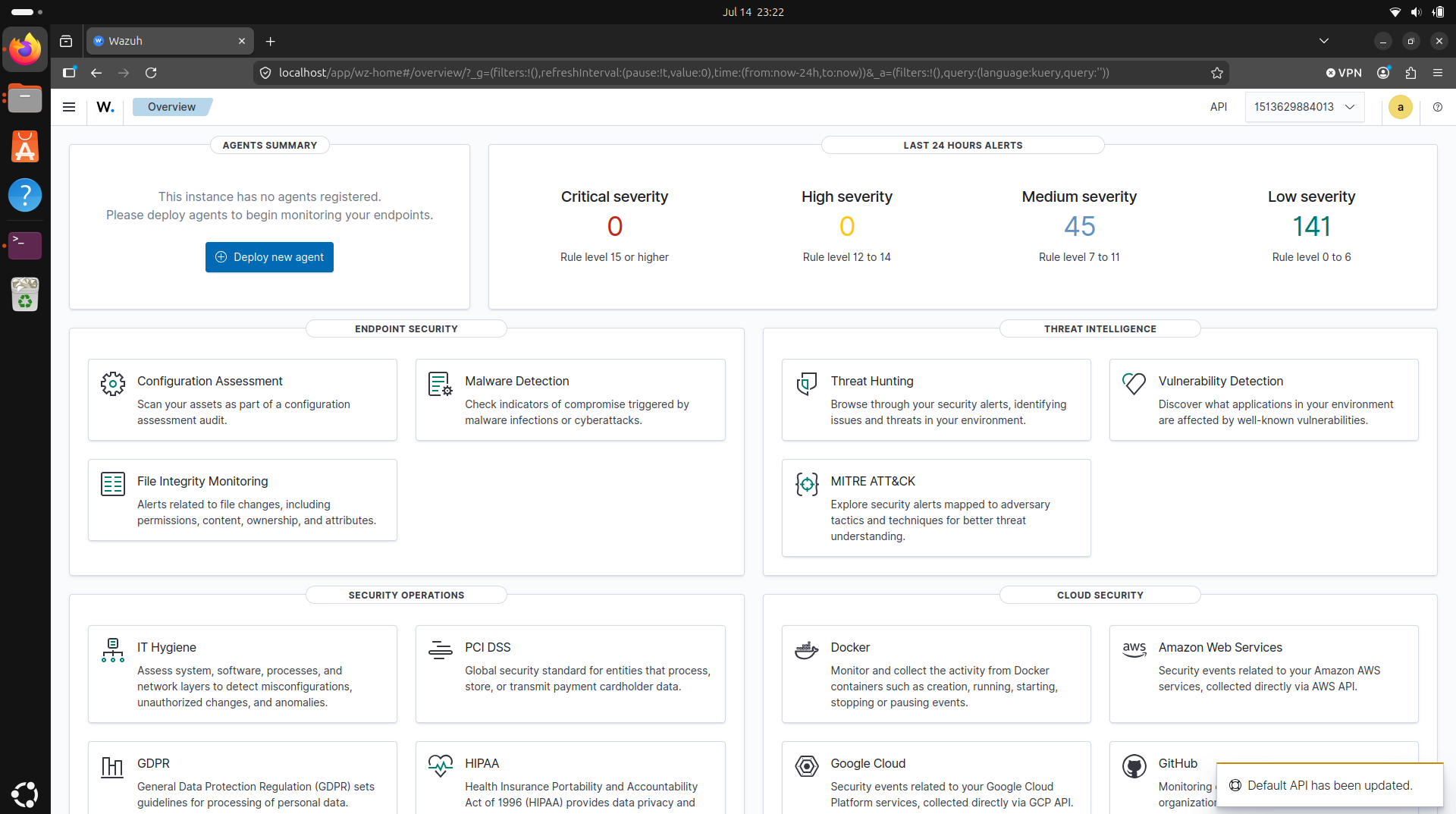
Although it was empty right now, I felt really excited about what I could do with it.
What I took away
The thing I didn’t expect to learn from a setup post is that a SIEM isn’t one program you install. It’s a few services that each have their own needs, sitting on a host that has its own needs too, and getting them to agree is half the work. Before this, “set up a SIEM” was one line on a to-do list. Now I know it’s an indexer that’s fussy about kernel settings, a manager that holds the rules, a dashboard behind a cert you have to accept, and a host underneath all of it that can quietly break the whole thing with one number set too low.
Limits
It’s one laptop, so it’s a single point of everything: if the machine is off, nothing is monitored. There’s no network capture yet, just logs from the host. For learning, that’s exactly enough. It’s not a real SOC and I’m not pretending it is, it’s the smallest version of one but it’s cool.
Next post: putting the first agent on and finally giving it something to watch.